
A site of your own
photos, bio, contacts and a personal Magazine where you tell your story and get your followers' attention. You decide what to show, to whom and when — safe from Instagram bans and the loss of your followers.
WorkshopFotografico.com gives you a real personal site to be found by the right photographers. Here's what you get:
photos, bio, contacts and a personal Magazine where you tell your story and get your followers' attention. You decide what to show, to whom and when — safe from Instagram bans and the loss of your followers.
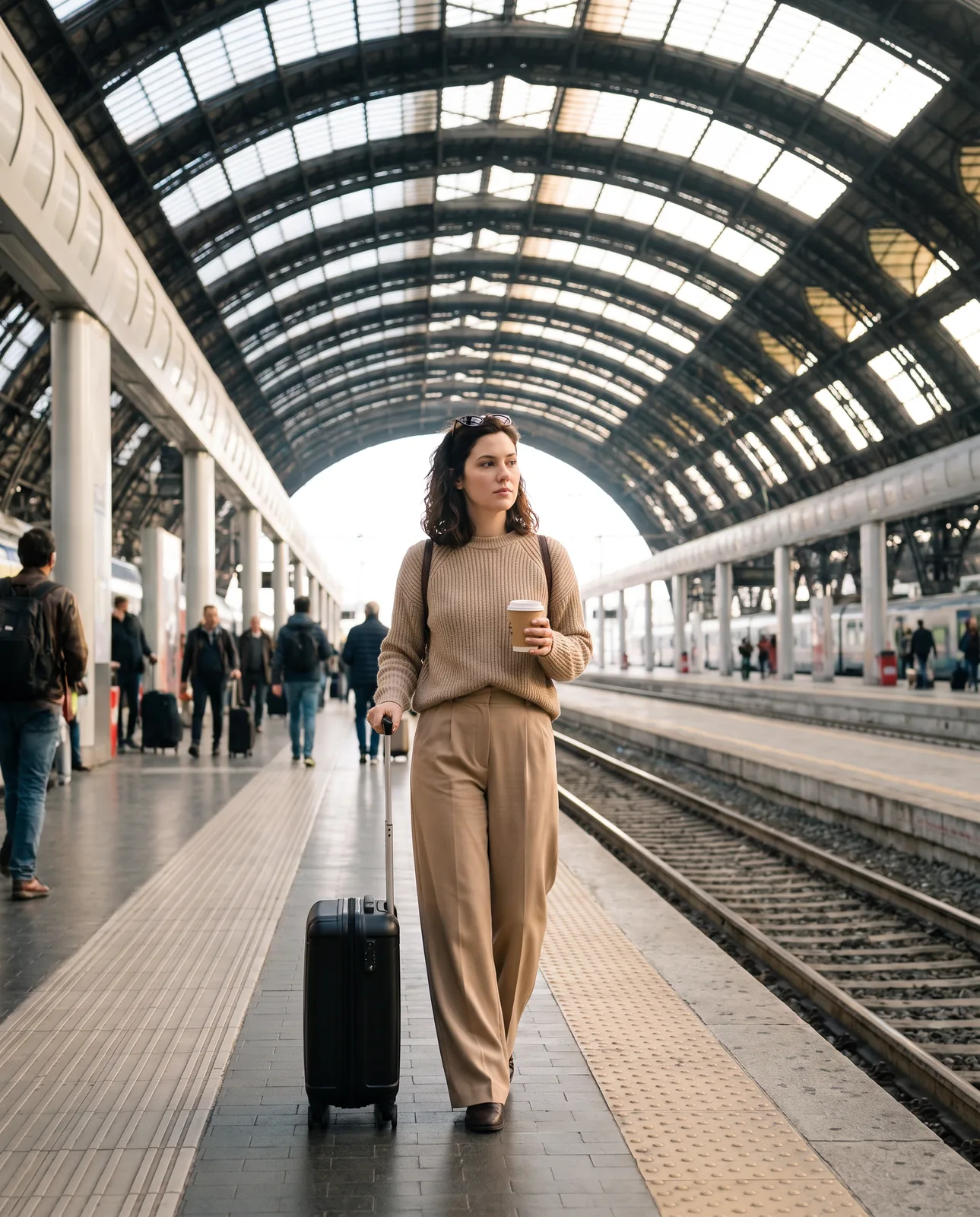
add the dates and cities of your photo trips and nearby photographers are notified you're around.
want to shoot where you know no one? Find the photographers nearby and reach out.
create a gorgeous graphic for your tour — or your page — and share it on Instagram and TikTok. Easy to make, perfect for getting noticed.
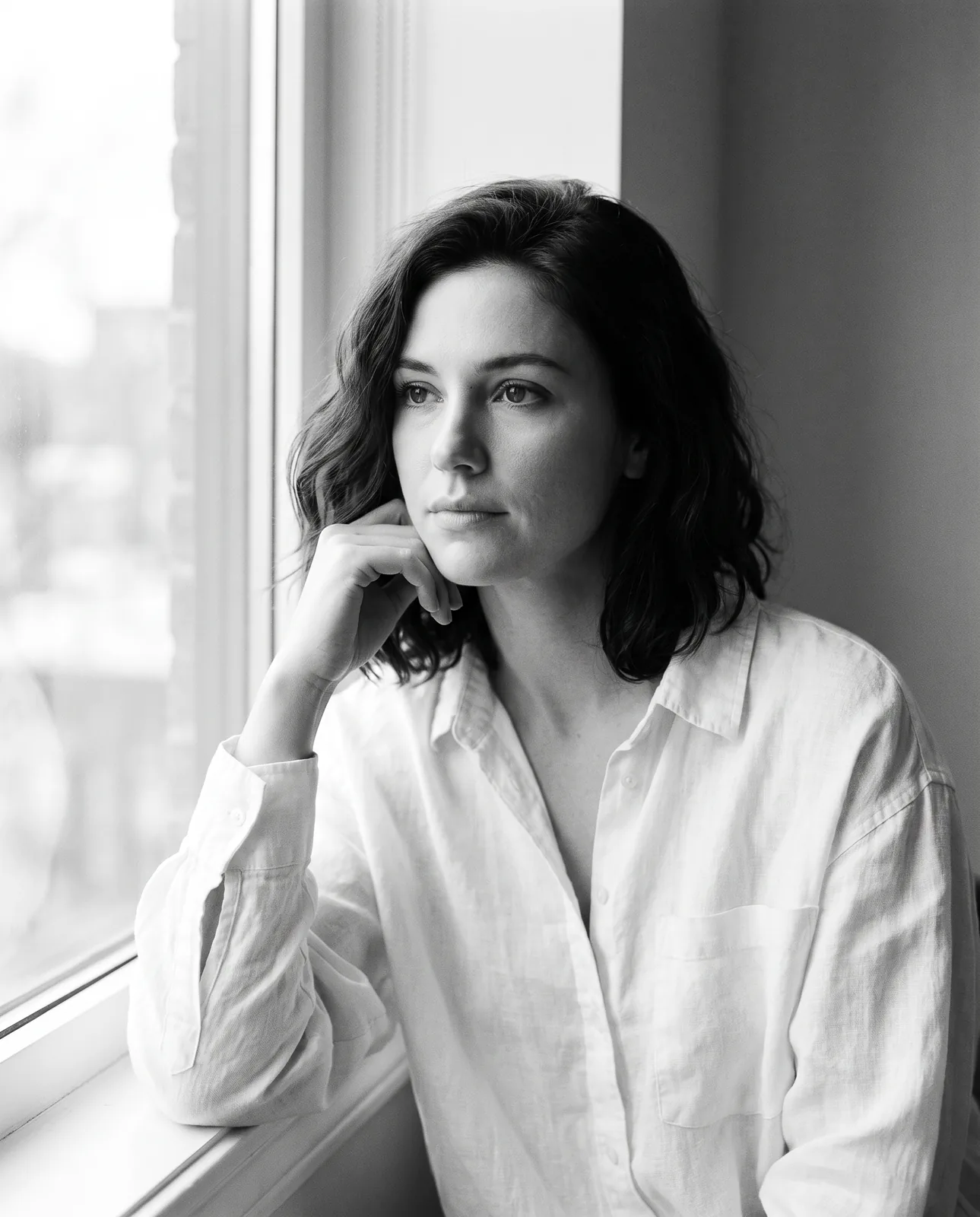
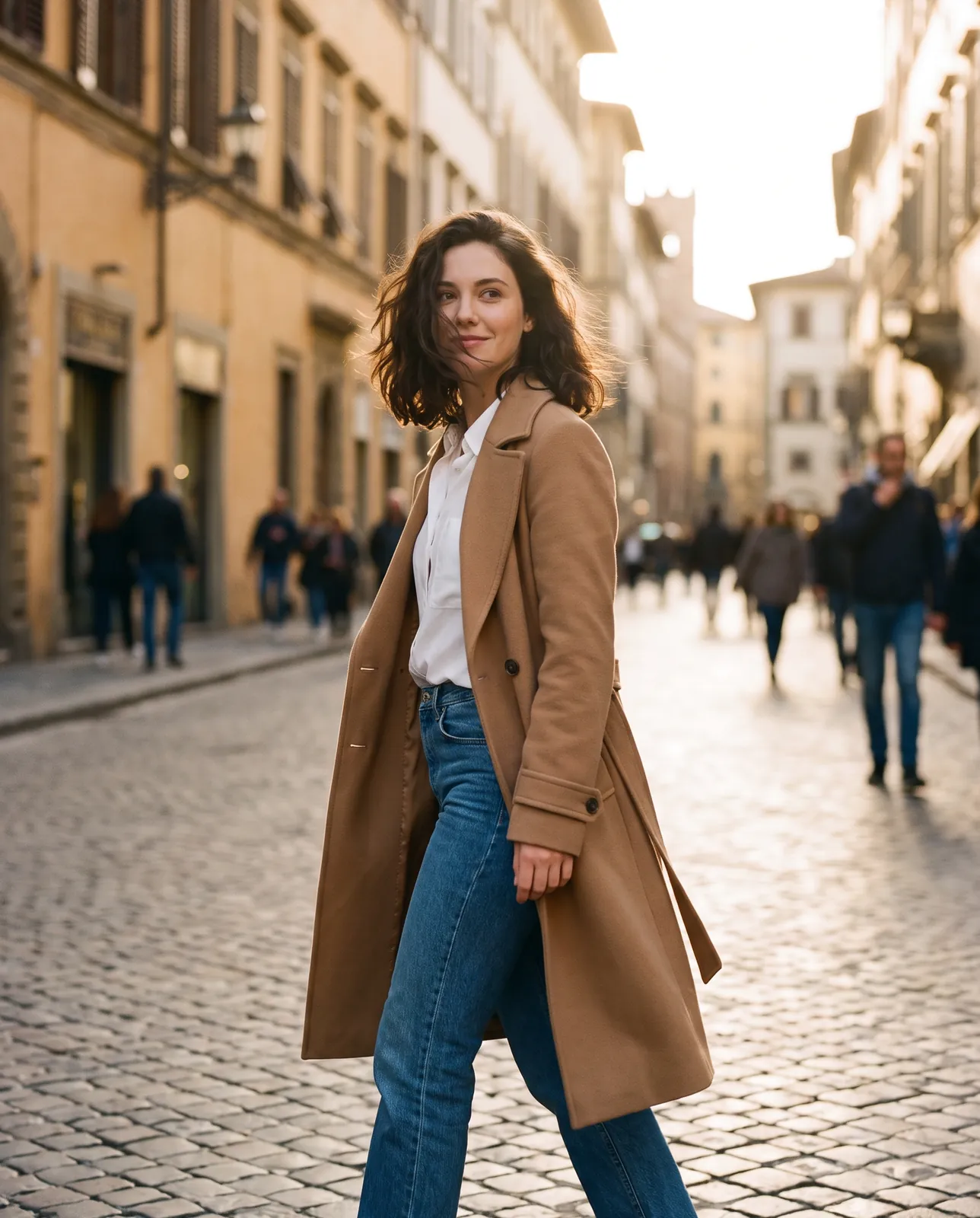
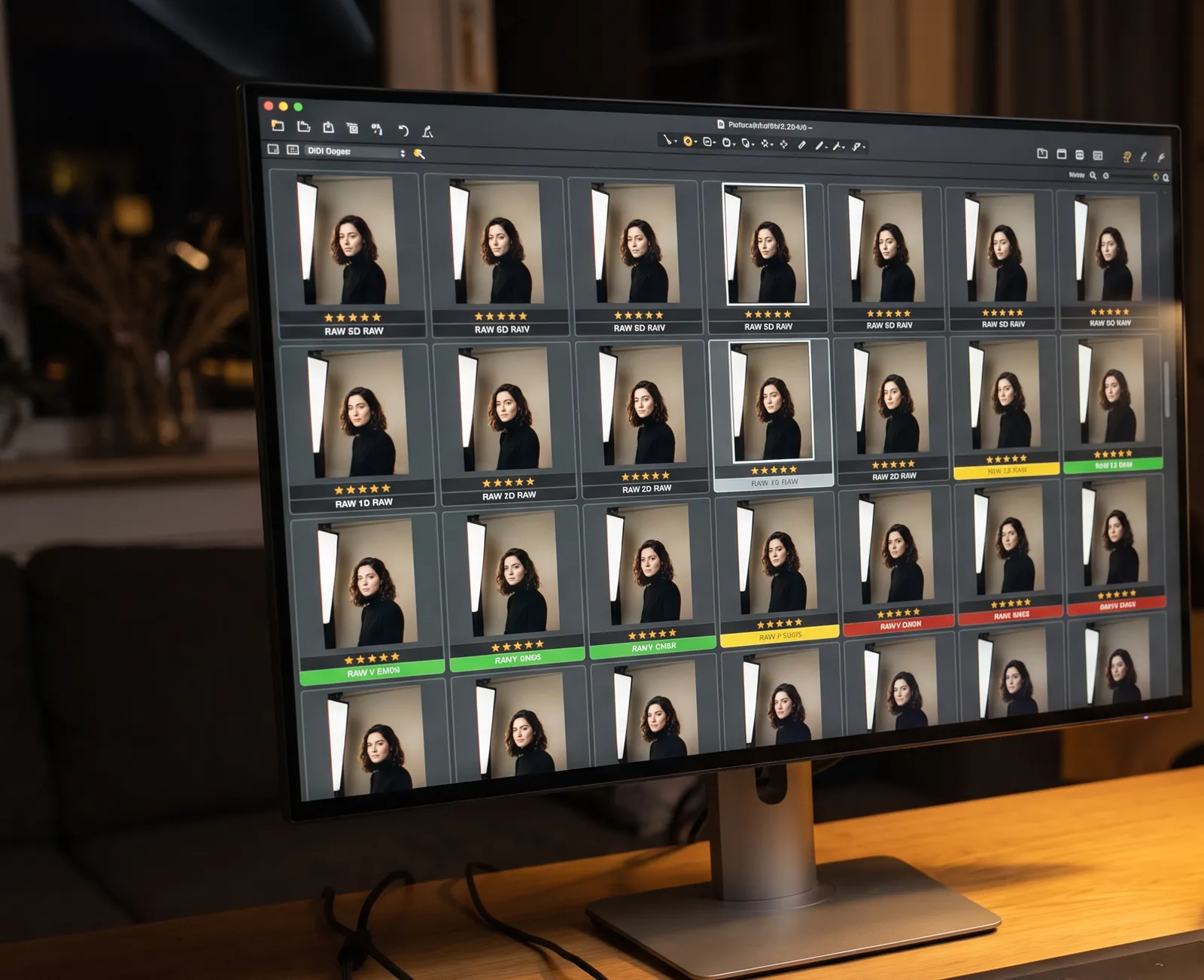
Your photos are your calling card. Here you can post them in high resolution and download them again whenever you like. Handy so you never lose them, too.
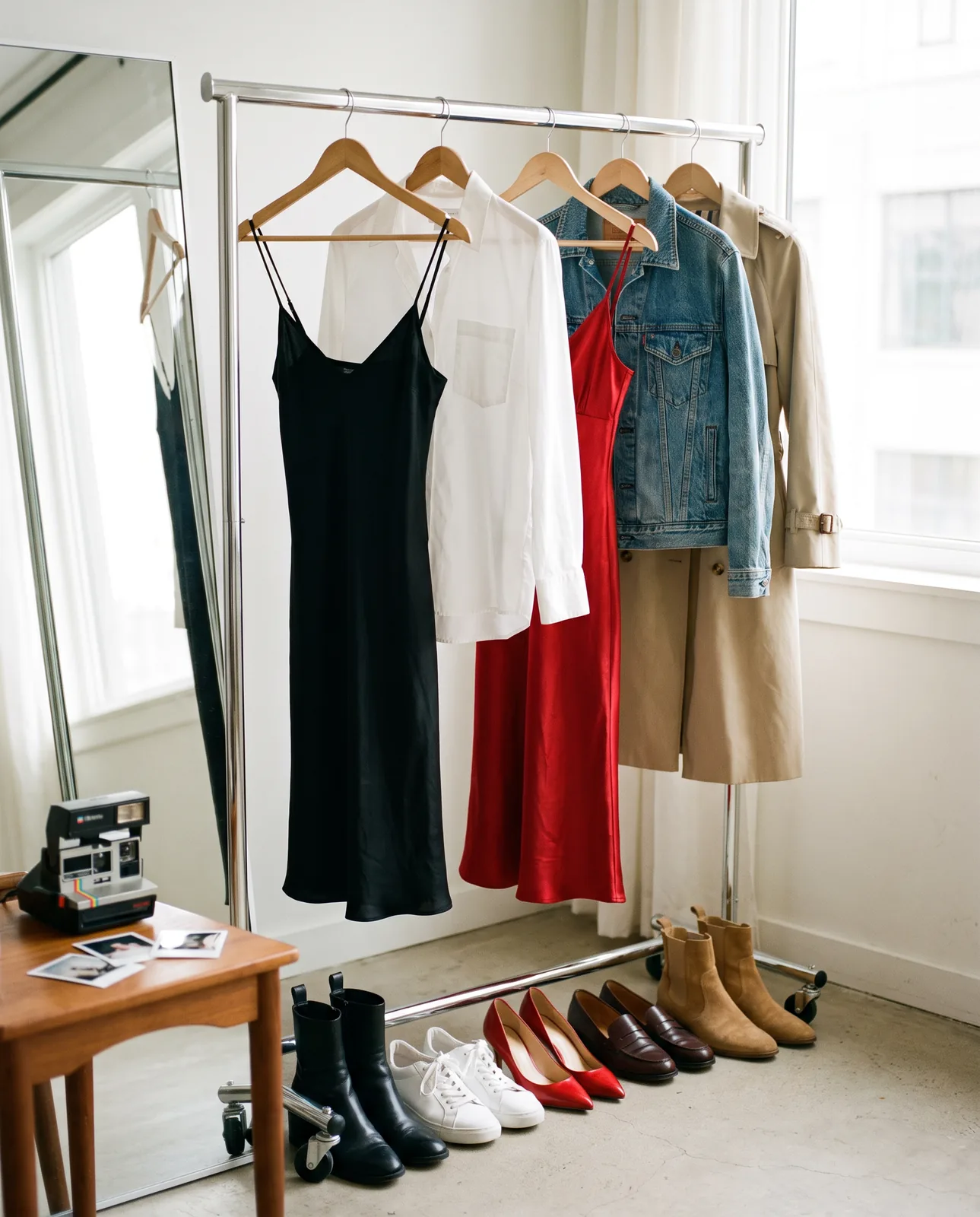
you upload photos of your outfits and send the link to the photographer, who picks the ones they want for your shoot. That way you only bring what you need... plus your favourite, of course. ;-)

you send the photographer a link and they upload their selection from your shoot, with their name for the credits. Like a photo? You publish it to your portfolio in one click, with the credit already written.
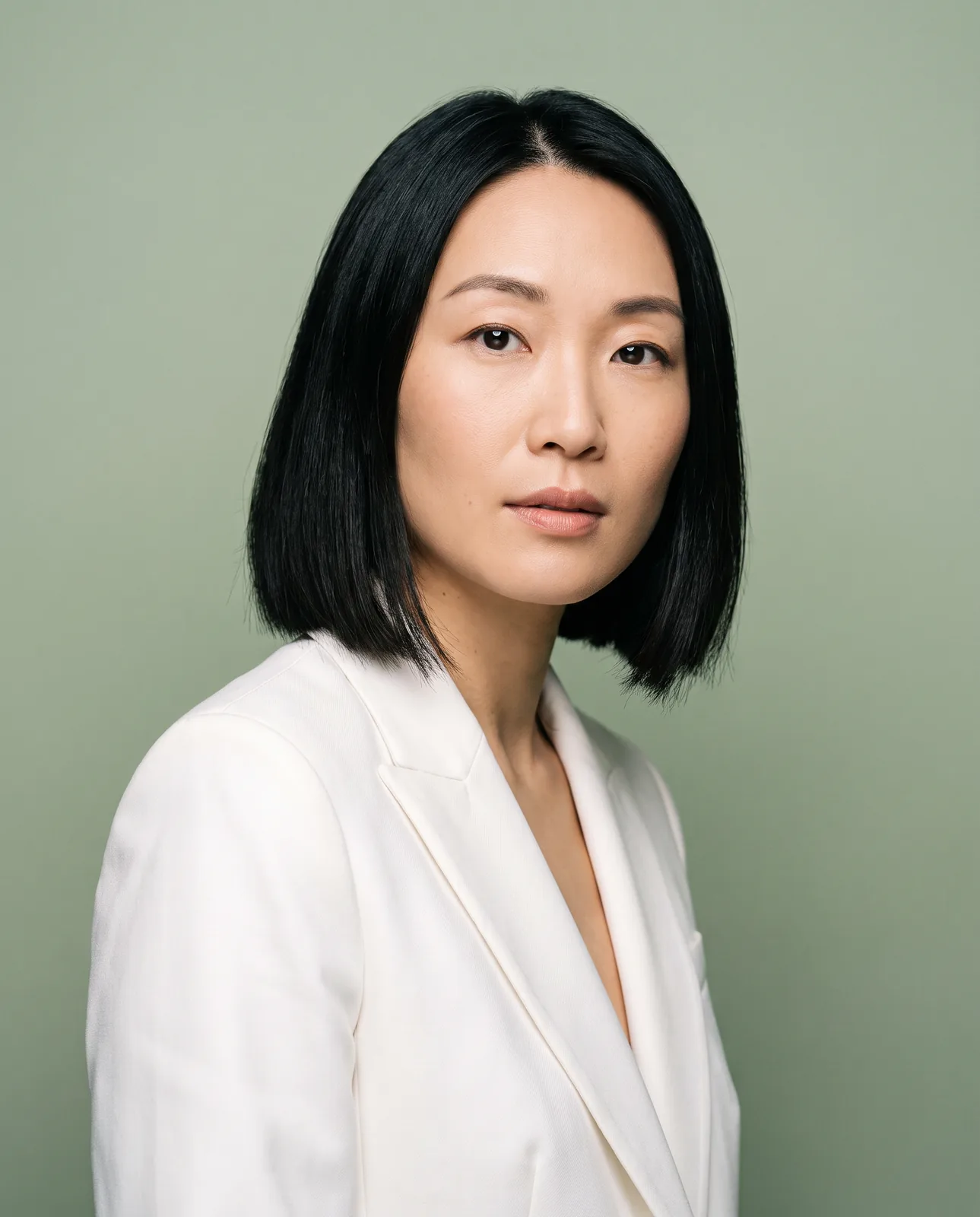
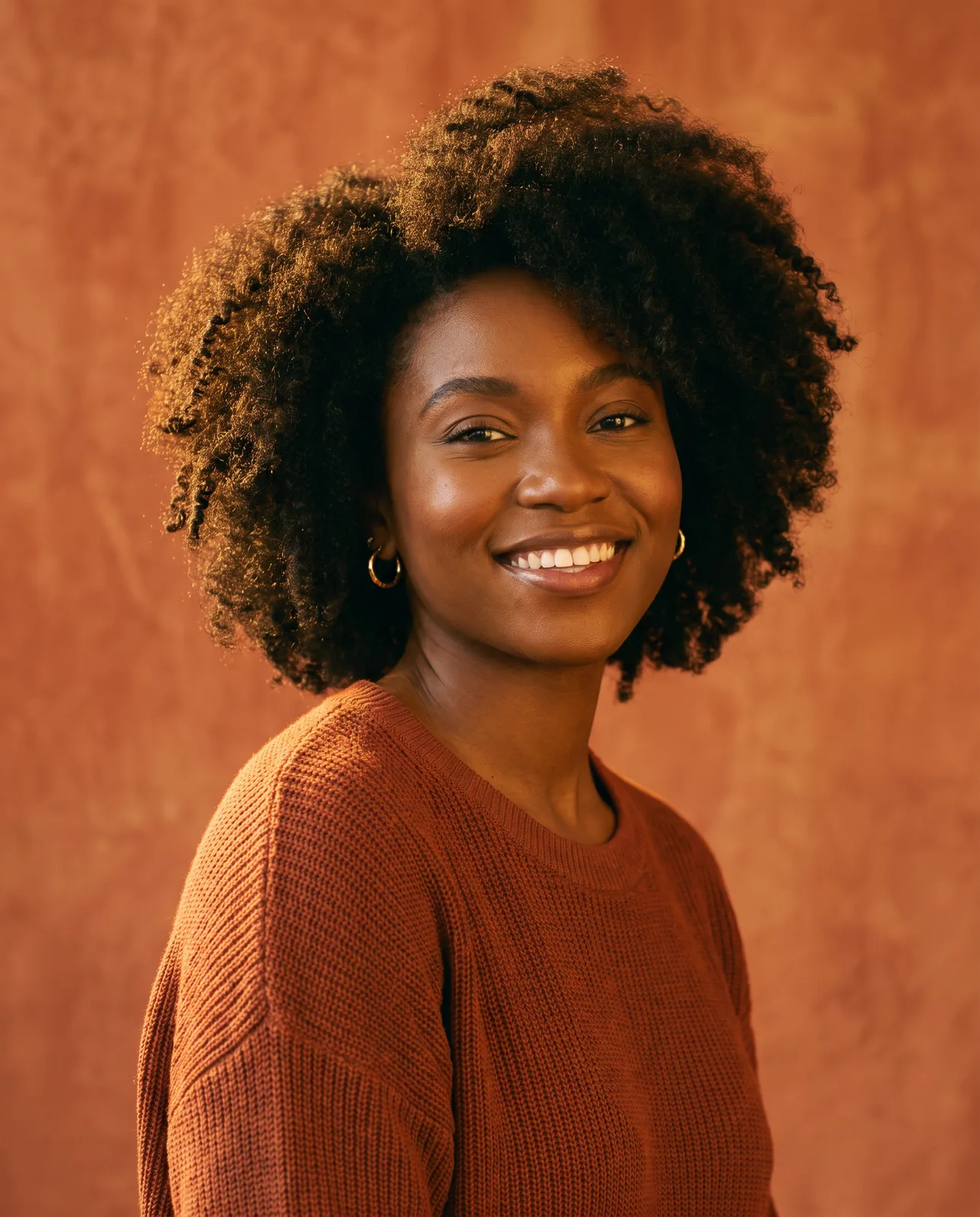
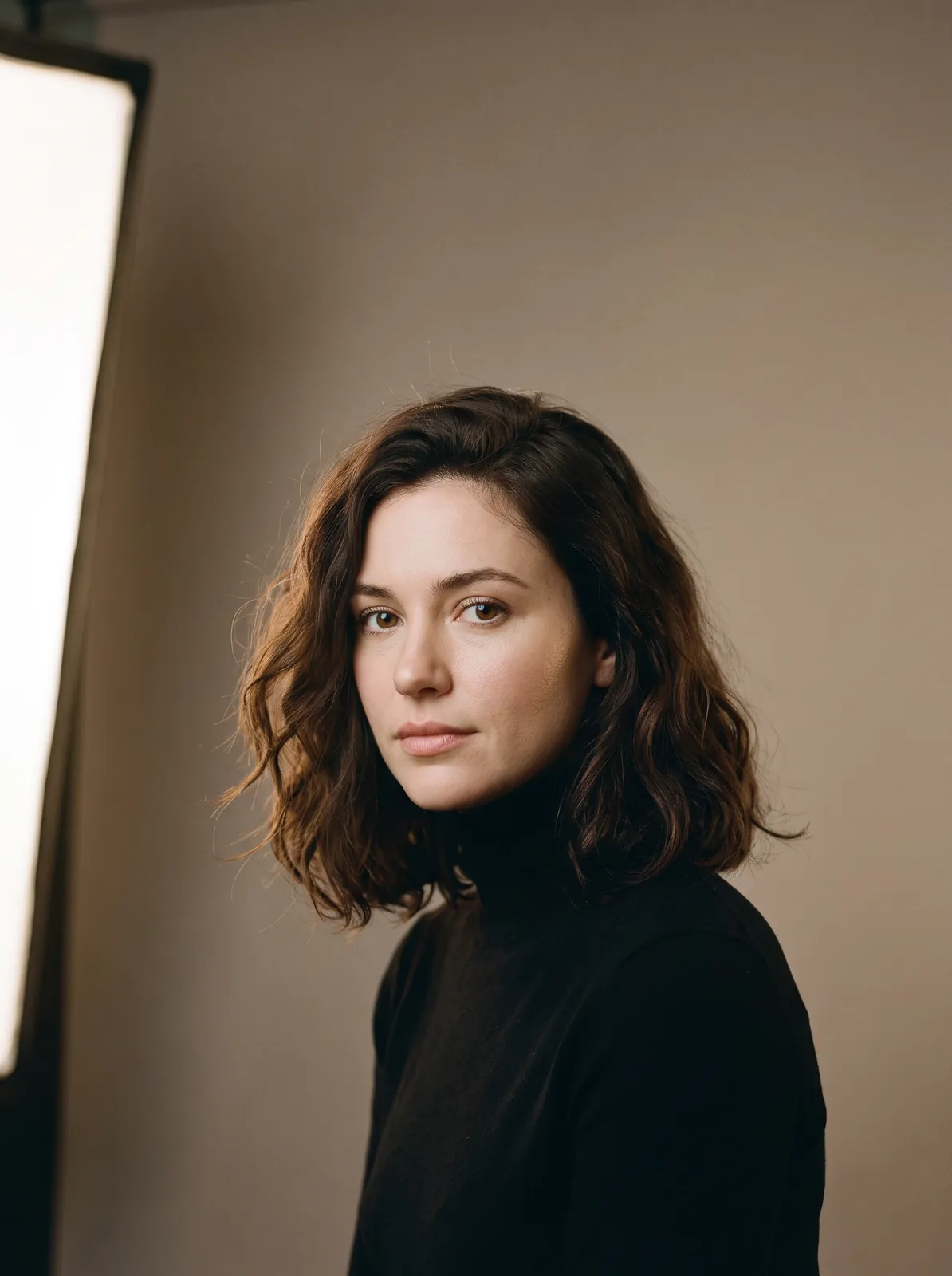
Sample portraits
every week the top 3 have their personal poster featured in the WorkshopFotografico.com newsletter, which reaches over 5,000 photographers worldwide. One more chance to get further contacts from interested photographers.
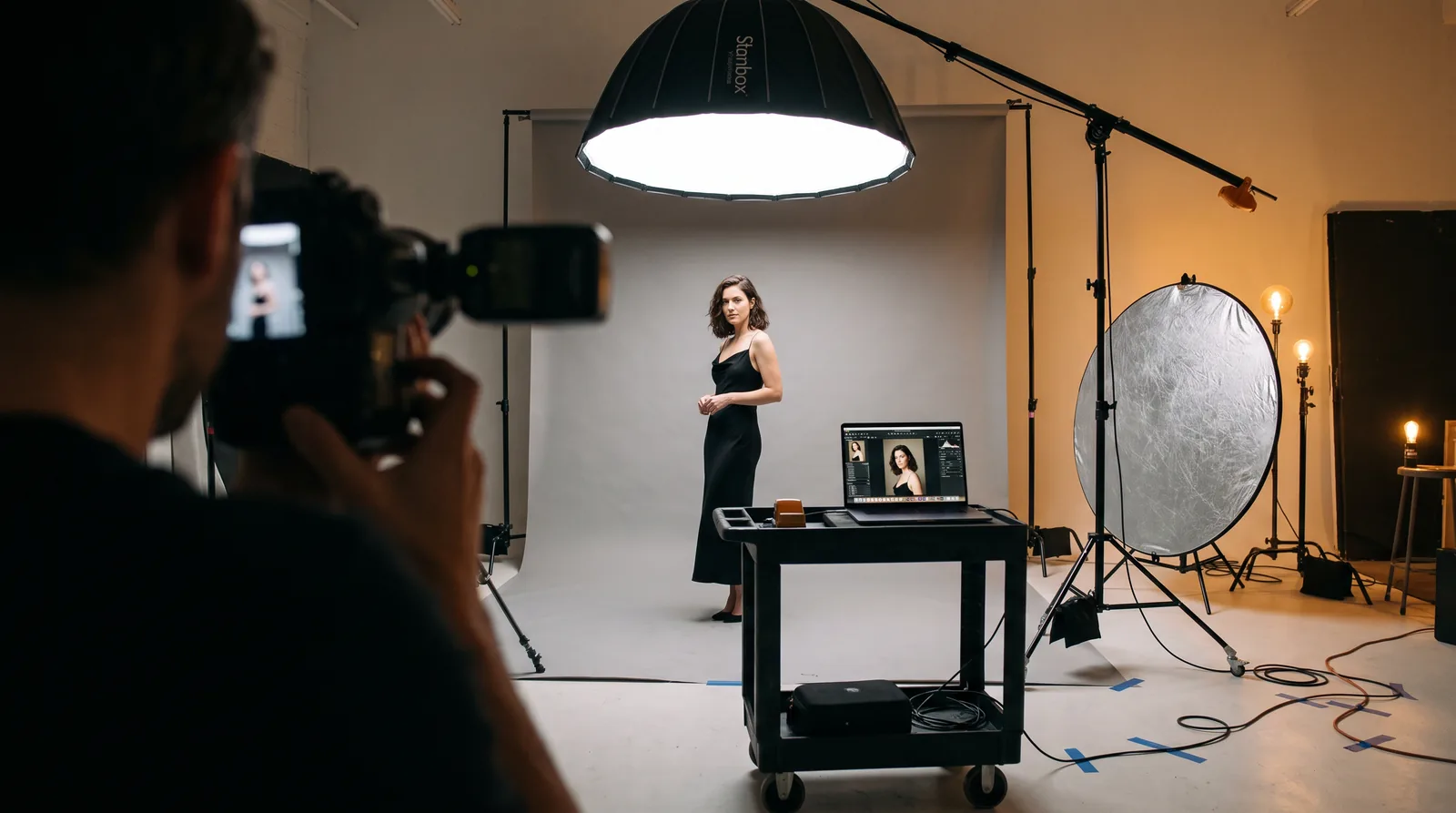
live private-session events where the chosen models can earn up to thousands of euros in a single day. Minimum requirement: be registered — and the more referrals you bring (new photographers with your link), the more you earn.
Call sheet
Tell us a couple of lines about you: if approved, we'll give you access to create your model page. We assess applications based on experience, portfolio, consistency with the editorial project, and the quality of the materials submitted. Submitting a request does not guarantee acceptance.
Because here you are the star, in front of an international showcase of passionate photographers. It's like having your own personal website — only better: you manage your card, photos and travels yourself and decide what to show and to whom, with no domains, hosting or coding to worry about.
A polished, always up-to-date page: the right place to truly get noticed, anywhere in the world.
Your model page is free, forever: a real personal page to get found by the right photographers.
Send your application from the “I am a model” page with a couple of lines about yourself: if approved, you'll receive access by email to create your page with photos, bio and your tour dates.
Once your page is complete and live, photographers can find you when you're on tour or in your own city.
Sign up as a model. It's a way to get noticed by him, and it's also a NECESSARY CONDITION to take part. For technical and logistical reasons, since all the events are run through this site, taking part is not possible if you're not signed up.
These events include the Shootouts: live events where selected models do private sessions with photographers and can earn significant amounts — even thousands of euros — in a single day. And remember: the more referrals you bring (new photographers who sign up with your personal link), the more you earn.
First of all, you need to be signed up as a model on workshopfotografico.com, so, if you haven't done it yet, apply to be accepted. Once your page has been activated and you've written your bio and uploaded your photos, follow the advice in the Models' Guide to get more followers and spark more interest among photographers. We measure everything and take the most active models into consideration.
On your page you can publish the cities and dates of your upcoming tours.
When you announce a tour, photographers in that area get a notification: that makes it easier to set up shoots at the right time, right where you'll be.
Share your link through the link in your social media bio and your posters: your tour stops will reach the photographers interested in shooting with you ALSO BY EMAIL, not just through the site's notifications. And if you regularly publish new photos in your portfolio or articles in your Magazine, the audience of photographers who ALSO get an email will be even wider.
Yes! Want to go somewhere but don't know any photographers there? Search for them with geolocation and contact the ones you find interesting!
The internal search shows you geolocated photographers who have chosen to be contacted, with their preferred channels (Instagram or email).
It's your wardrobe, always within a photographer's reach: in the “👗 My wardrobe” tab of your Control Center you upload photos of your outfits and, if you like, a couple of words of description. You send the link to the photographer and they choose the ones they want for your shoot. That way you only bring what you need... plus your favourite, of course. ;-)
If you delete an outfit, or change its description, after a photographer has chosen it, their choice stays as it is.
If you take part in a Shootout, the photographers who book a session with you choose the outfits from your wardrobe right from their event dashboard: you'll find them all in your event dashboard, under “Pack them!”.
The tab switches on when your page is active.
Outfit photos are reserved: they're seen by you, by whoever opens the link you send and, if you take part in a Shootout, by the photographers of your sessions. They stay in your wardrobe, separate from your portfolio and the feed.
The photographer opens the link and sees your outfits right away. To choose them, they sign in with their site account, or create one for free, and find their choices in their area, under “Models' outfits”.
Each link is for one photographer and one shoot: for a new shoot you send a new link, so they make a new choice. You can close it whenever you like with “SWITCH OFF”, from its row in “Your links”: the photographer keeps the outfits they've already chosen.
After a shoot you send the photographer a link: they upload a selection of the photos and you find them in the “📸 My shoots” tab of your Control Center: a private area of your page, with one folder per shoot and the photographer's name for the credits.
You'll find the photos that photographers send you at the Shootouts in the same tab, in the “From the Shootouts” part, and in “📸 Photos received” in your event dashboard.
The tab switches on when your page is active.
Yes! Like this photo? Publish it to your portfolio with one click. Under each photo tap “PUBLIC PORTFOLIO” or “PRIVATE PORTFOLIO” (that's your reserved portfolio): the photographer's credit writes itself.
The credit is the photographer's name, with their Instagram if they gave it: taken from their site account, or as they typed them when uploading the photos.
A photo you put in your portfolio stays there even if you later delete it from the shoot. And with “⬇ Download” you save the photos whenever you like.
The photos from your shoots stay in your area even once uploading is closed. The Shootout ones stay available until the date you'll find at the bottom of their page, so you have time to publish or download them.
In the “📰 Magazine” tab of your Control Center you have your Magazine. Here you're the journalist. Write articles about yourself: who you are, your thoughts, your projects, your best experiences. Photographers get to know you better, and every shared article brings new photographers to your page and grows your followers: photographers who will be notified of your tours and your activities.
The tab switches on when your page is active.
You choose, article by article, in “Who can read it”: 🌍 Anyone (every visitor to the site), 👤 Registered (anyone with an account on the site) or ⭐ Reserved (Supporters only). Everyone sees the cover and the title: whoever has the right level reads the whole article, the others find the invitation to read it.
Your articles live on your page, right under your bio, in your Magazine and in the photographers' feed, in the “MAGAZINE” order. Google finds the 🌍 Anyone articles too.
With “Share” you send the article, or the whole Magazine, always with your personal link: every visit from there counts as a visit from your link. And your VIP link opens the ⭐ Reserved articles too.
Tell who you are: your thoughts, your projects, your best experiences, your days. While you write, open “💡 Ideas for your articles”: 9 ideas, each with its prompts, from “My first shoot” to “What I do as soon as I wake up”.
Write like a journalist! Tell your stories, move people, let them get to know you, even beyond photography.
You decide, item by item. For each piece of info — city, socials, email, shoot availability and public portfolio — you choose who can see it: everyone, only registered users, only Supporters, or no one (only VIP & Admin). You show your reserved portfolio to Supporters only or to no one. Your base city and the cities of your tour stops also show in the models directory and in the alerts to local photographers.
It's a special key you generate for a trusted person: whoever has it sees everything — contacts and reserved portfolio — for 24 or 48 hours, with no registration. You can revoke it anytime and, once expired, it stops working (just make a new one if needed). Perfect for a photographer you already know — you stay in control.
Yes, on two fronts.
Who sees them: the photos you want to keep reserved, you place yourself in your dedicated portfolio, visible to Supporters only or to no one (and to whoever you give the VIP link). What to show, and to whom, is always your call.
How we protect them: the images in your portfolio have technical safeguards against copying — right-click saving is disabled, dragging is blocked, and a protection layer sits over every photo to prevent it being grabbed directly.
Of course. One click on "Disable my profile" and you disappear from searches and the site; come back online whenever you like. The control is always yours.
The Supporters are subscribed, of-age photographers — serious people who are an active part of this community and care about their reputation here. They're not anonymous passers-by: they have a verified account. That's why you can choose to show them a little more (your contacts, your reserved portfolio) with far more peace of mind than to a random visitor. They, and MaXu, are the ones who can write to you directly on the site: you'll find the messages in the «Messages» tab.
Sadly the world isn't perfect: always do your own research and ask for references before meeting strangers.
MaXu is the photographer behind workshopfotografico.com: years of experience in glamour and fine-art nude, live workshops and video courses.